Best Website to Host Photos: Which One Fits You
Compare the best website to host photos for families, photographers and freelancers, with pricing, privacy and shareable links.

By 2024, one of the longest-running photo services online had reached 10 billion shared photos. Hosting means storage that keeps growing, links that keep working, and galleries that load quickly for people who never saw the original camera roll.
Storage size alone is a poor way to choose a photo host. Ask three questions first: Who can see the photos? What information travels with them? Will the link still work after you replace a file, fix a caption, or send it to a client? A family album, wedding gallery, teaching handout, and job-application portfolio have different audiences and privacy needs. The right choice depends on those needs, plus how reliably the photos and their links must remain available.
Quick Picks for Each Photo Project
A phone backup, a public portfolio, and a client proofing gallery have different jobs. Choose the format around the audience and the files you need to share, then check how easily you can update or replace them.
In a nationally representative survey conducted October 3 to 6, 2013, the Pew Research Center found that 54% of adult internet users had posted original photos or videos they created, while 47% had reposted media they found online. The distinction still helps: a backup preserves a broad library, while a showcase presents selected images to a chosen audience.
Quick picks by photo project
| Your project | Suitable format | Why it fits | Watch for |
|---|---|---|---|
| Backing up a phone library of family photos | Automatic photo backup | Copies a large library from a phone | Check storage limits and how account access is shared |
| Public gallery and feedback from other photographers | Public photo portfolio or community gallery | Makes selected work easy to browse and discuss | Confirm visibility before sharing personal or client images |
| Client galleries with proofing and branding | Client proofing gallery | Keeps review images organized for clients | Check access controls and whether clients can download files |
| One folder of portfolio images or a PDF as a single link | Folder-based static hosting | Presents selected files through one shareable URL | Confirm the storage allowance suits the folder |
| Class handouts or workshop files shared by link | File-sharing page | Gives students one address for the materials | Check that the link works on phones and stays current after updates |
If your project crosses two rows
Separate the sensitive files from the materials meant for broad sharing. For a teacher sharing class photos alongside a newsletter PDF, choose access settings for the photos first, then make the document available to its intended readers. For a job application, a polished PDF may matter more than a browsable gallery, so prioritize a stable link to that document.
A single host may not suit both jobs. Keep backups private and use a separate share link for selected images when the audiences differ. Match the storage allowance to the files you plan to upload, and check how replacements affect existing links.
Side-by-Side Comparison of Popular Options
A host's storage limit is only part of the decision. Compare how it handles original files, who can open a shared link, and whether replacing an image changes its address.
| Check | What to look for | Why it matters |
|---|---|---|
| Original files | Whether downloads keep the uploaded dimensions and file quality, or whether the host compresses them | Compression may suit quick viewing, while archives and print workflows often need originals |
| Sharing controls | Album visibility, link access, password protection, and whether access can be revoked | A link that works for a client may be too open for private family photos |
| Metadata | Whether image metadata is retained, removed, or exposed when someone views or downloads a photo | Metadata can include details such as capture time or location |
| Link stability | Whether an updated image can replace the old file without changing its public URL | Stable links help avoid updating posts, documents, and client messages |
| Viewing experience | Whether visitors see a gallery, individual files, or a page built around the images | Choose a format that makes browsing and downloading straightforward for your audience |
For a public photography portfolio, a browseable gallery may matter more than file-level control. For a client review, password protection and stable links may take priority. For an archive, check that the host preserves the originals and offers a practical way to retrieve them.
Upfling hosts image portfolios by letting you upload a folder of images and publish a thumbnail index page, with a direct CDN link for each file. It also lets you replace files without changing their URLs. That setup suits a portfolio or collection shared as a link; check the plan's storage allowance against the size of your files before uploading a large library.
Five Checks and Privacy Settings Before Sharing
A test upload can expose problems before your full photo set is public. Check the original file, access controls, mobile delivery, metadata, and whether links survive updates.
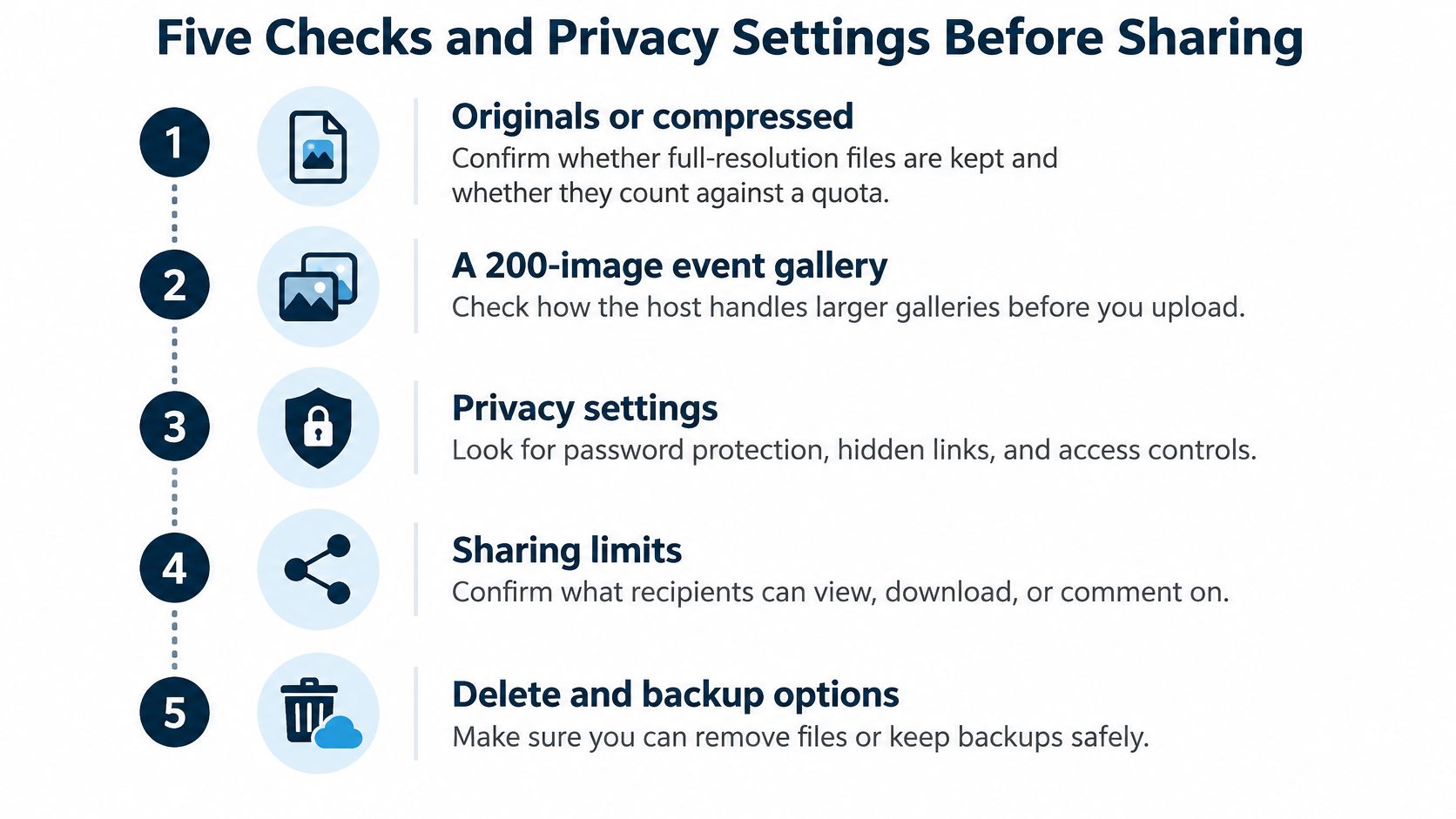
1. Originals or compressed. Upload one detailed photo, download it, and compare its file size and dimensions with your original. If the returned file is smaller, the host compressed it. That may suit a screen gallery, but it can be a poor fit for archiving originals. For a large event set, compression or storage limits can affect how much of the collection you can keep online.
2. Sharing controls. Before sending a sensitive album, check whether you can set a password, revoke access, and see who opened the link. Send a test link to a second email address, open it while logged out, and check what a stranger can view. If you post an image as a single shareable page, run the same test. Assume recipients can forward the link or take a screenshot.
The checks that take a minute to run
3. Delivery speed. Turn off Wi-Fi and open the gallery on your phone over mobile data. Check whether thumbnails appear promptly and stay in place as they load. Full-size files should load when someone taps them. If large originals have to load just to fill small tiles, the gallery may feel slow on a mobile connection.
4. Metadata. Photos can contain location, capture date, and device details that are invisible on screen but readable in the file. A picture taken near a home or school may reveal its location. A 2025 survey of more than 2,000 UK parents reported in Shopify's guide to image hosting sites found that 72% considered keeping family photos private extremely important, while 43% knew cloud providers could collect metadata. The survey also reported that 36% knew providers could collect information about people and objects in images, and 97% wanted clearer explanations of how providers use photo data. Check the host's policy, and use your phone's sharing options or export settings to strip location data before uploading family photos.
5. Continuity. Replace one file and check whether its address stays the same. Then try downloading the collection as a set. If a replacement creates a new link, you may need to resend it wherever you shared the original. If there is no bulk download, retrieving your own work can mean saving files one by one. These details matter when someone returns to an old email months later.
Real Situations and the Host That Fits
Different readers will find themselves in different stories below. Each one ends with the step that prevents the predictable problem.

Maya, the wedding photographer, has 300 finished photos for one couple. She needs branding, proofing, and controlled downloads, so a professional client gallery fits. Her preventive step comes before she sends anything public. She asks the couple which reception shots may be shown openly, because the FTC consumer guidance on sharing photos says to get someone's OK before posting or sending photos or videos in which they appear. A password-protected review link lets the couple approve first, and approval to share with family doesn't become approval to publish to the world.
Daniel, a freelance designer, has 40 portfolio images and no patience for building a website. When you host an image portfolio from a single folder, we turn that dropped folder into a thumbnail index page, and every image also gets its own direct CDN link for pasting into a proposal or message. His preventive step is ordering the files before uploading, since the index is only as clear as the folder he hands over.
Priya, a primary school teacher, wants class activity photos where parents can reach them. Her risk isn't storage, it's consent and location data. She uses a restricted link rather than a public gallery, shares it through the school's usual parent channel, and removes location from the files first. One class at a time, one term at a time, keeps the audience as small as the purpose requires.
The short walkthrough below shows the upload and sharing flow in practice.
The Okafor family came home from a reunion with photos scattered across six phones. Automatic phone backup fits them because nobody will sit down and upload methodically. Their preventive step is housekeeping. One person owns the shared album, checks the account's storage every few months, and removes the blurry duplicates before they crowd out everything else.
Tom, a job seeker, has a résumé and a portfolio PDF. He doesn't need a gallery at all. He needs one address that opens cleanly on a stranger's phone, plus a printed QR code on the paper copy he hands over at interviews. His preventive step is scanning that code himself the night before, on mobile data, logged out of everything.
What Upfling Costs and Where It Falls Short
The Free plan has 25 MB of storage, enough for a small set of web-sized images but not a phone library or wedding delivery. Here are the plan limits and prices:
| Plan | Monthly price | Annual price | Sites | Storage | Video limit |
|---|---|---|---|---|---|
| Free | $0 | $0 | 2 | 25 MB | 25 MB |
| Lite | $3.99 | $40 ($3.33 a month) | 5 | 4 GB | 100 MB |
| Pro | $6.99 | $70 ($5.83 a month) | 25 | 10 GB | 250 MB |
| Business | $18.99 | $190 ($15.83 a month) | Unlimited | 200 GB | 1 GB |
The Free plan costs $0 and requires no card. It includes 2 sites, 25 MB of storage, video files up to 25 MB, an Upfling subdomain, free SSL, API and MCP access, and email support. That allowance can suit a small portfolio or a few sample images. It won't hold a full photo library.
Lite costs $3.99 monthly, or $40 billed annually ($3.33 a month). It includes 5 sites, 4 GB of storage, video up to 100 MB, a custom domain, unlimited traffic, no Upfling branding, password protection, analytics, and API and MCP access. Pro costs $6.99 monthly, or $70 annually ($5.83 a month), and includes a 14-day free trial, 25 sites, 10 GB of storage, video up to 250 MB, email capture, and PDF editing and viewing. Business costs $18.99 monthly, or $190 annually ($15.83 a month), and includes unlimited sites, 200 GB of storage, video up to 1 GB, and priority support. See the Upfling plan prices and features for the current breakdown.
The upload path, start to finish
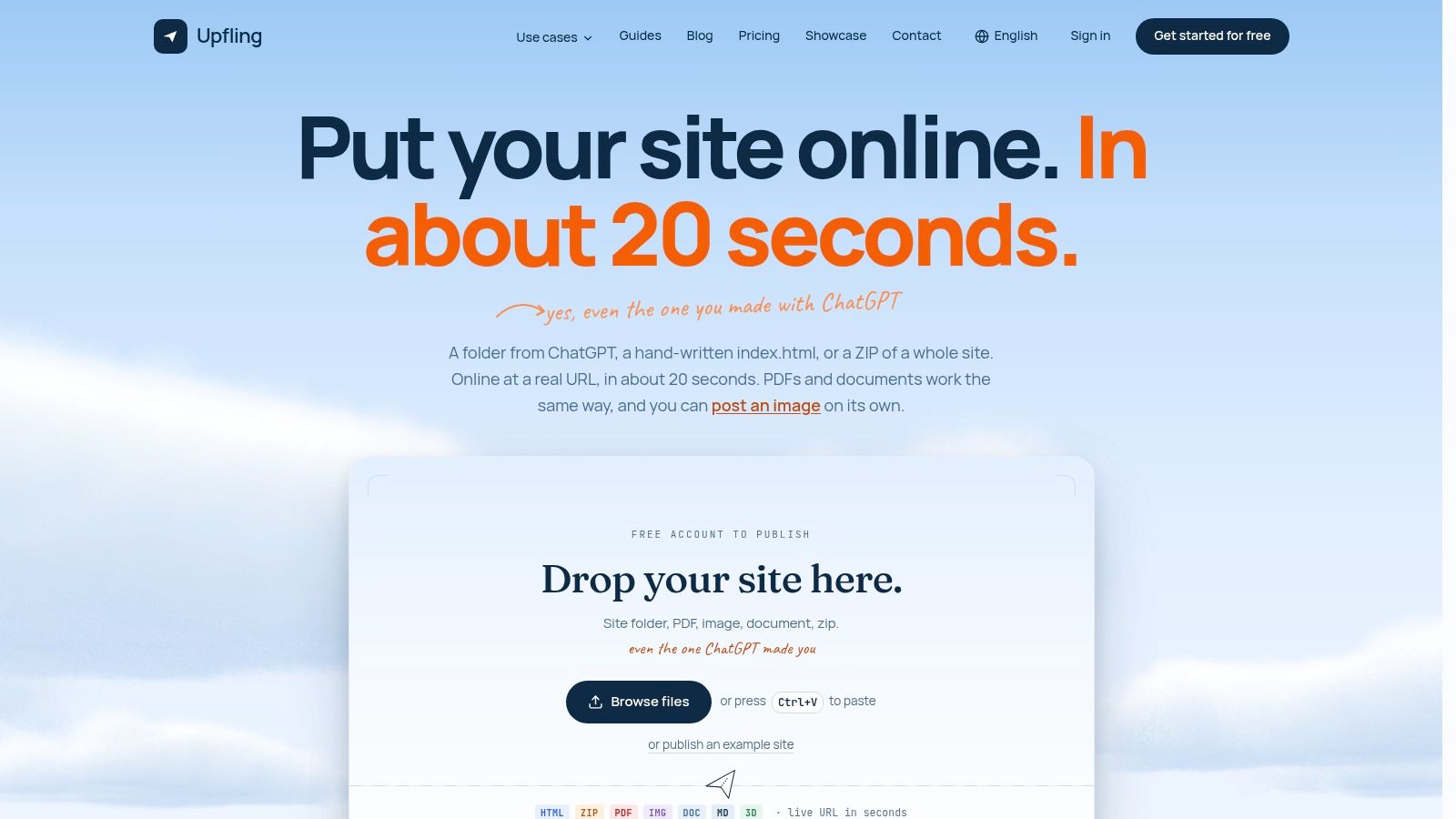
Upfling is a static site and file hosting service. To publish an image portfolio, collect the images in a folder, sign in or sign up, drop the folder or a ZIP onto the upload area, choose a subdomain, and publish. The result is a thumbnail index page and a direct CDN URL for each image, published with SSL in about 20 seconds.
Where it falls short
Check the limits against your use case.
- Static files only: It hosts static files and pages. Sites that require a server backend, database, or logged-in user accounts need a different kind of hosting.
- Not a RAW archive: A photographer's full-resolution library needs backup storage with room to grow. A sharing link is not a substitute for an archive.
- No social feed: There's no community browsing, commenting, or discovery, so the host won't bring new viewers to your work.
Upfling can suit a portfolio folder, a handout with a QR code, a résumé, or a client review page. Keep a separate backup of original photos, and choose another service if your priority is a social audience or long-term RAW storage.
Confirm Your Pick With a Test Upload
A small test set can reveal problems a feature list cannot. Use 10 photos, including ordinary JPEGs and a RAW file if you shoot raw, plus a PDF and a short video. Check whether files are accepted, altered, or slow to load before moving a larger collection.
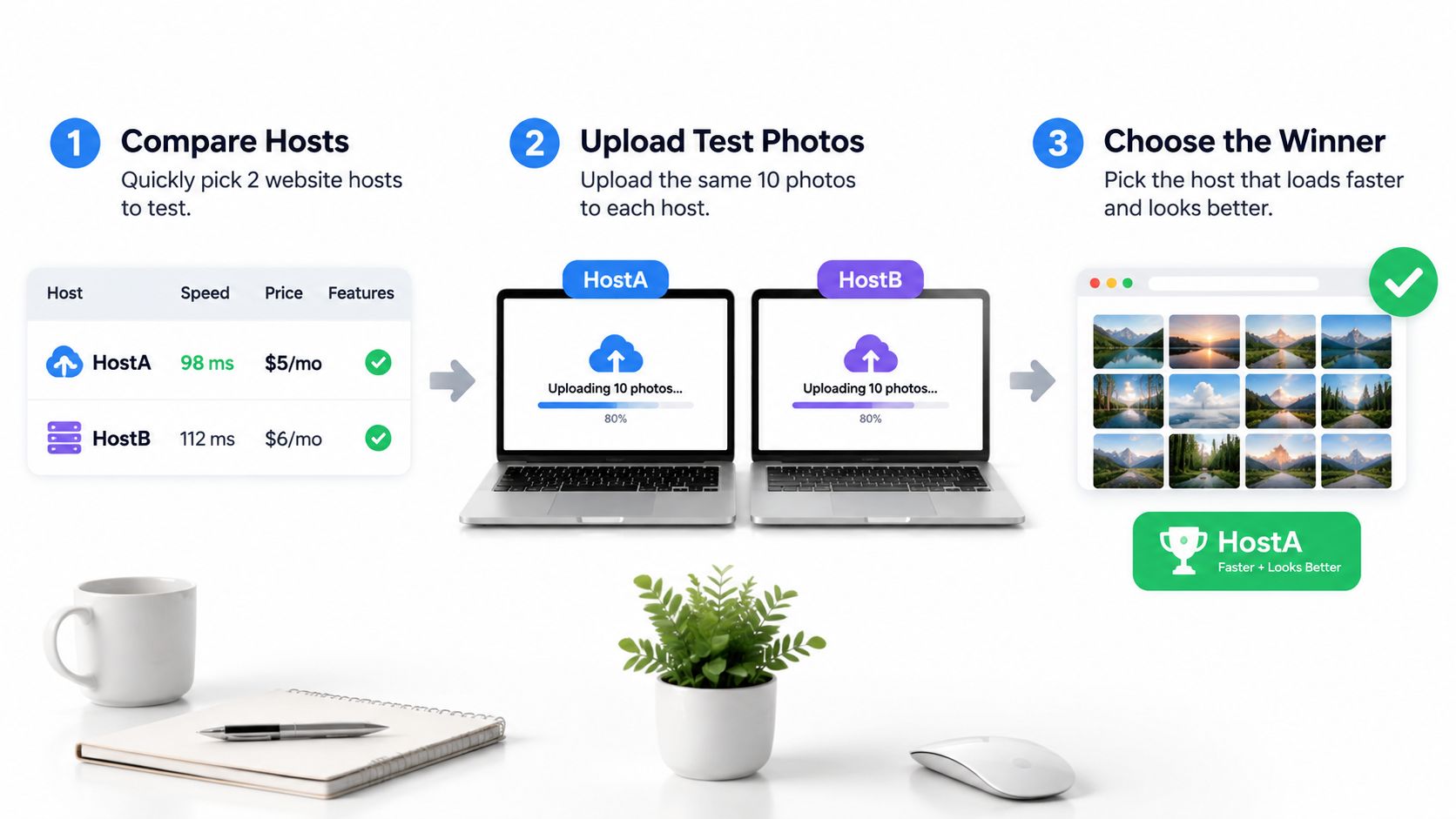
- Choose two hosts: Pick the options that best match your project.
- Upload the same files to both: Note any rejected files, changed filenames, or reduced image sizes.
- Open each link on mobile data: Check how long the first photo takes to appear, then scroll through the full set.
- Test access controls: Set a password, open the link while logged out, then revoke access and confirm the link no longer works.
- Replace one file: Check whether its public address stays the same. Upfling supports replacing files without changing the URL on all plans.
- Choose based on the results: Keep the host that passed your checks and whose plan covers your files.
Check what each host exposes about image metadata, too. A gallery can load quickly and still reveal location details you meant to keep private. Confirm the host's current limits before paying for a year.
Upfling's free plan is one option for a test upload: publish a folder of images and check the resulting links and access settings.